Be in the moment.
We’ll keep up.
Scripture on screen. Your congregation connected.
One thoughtful workspace for everything Sunday brings.
Made for the message.
And the people behind it.
Be still, and know that I am God.
PSALM 46:10 · KJVSometimes, the invitation is simply to pause. To quiet our hearts and remember who is with us.
Let us turn to Psalm forty-six, verse ten. Be still, and know that I am God.
Everything in its place.
Everyone in the moment.
The best tools leave room for what matters. Bring your service, your screens, and your congregation together with less to keep track of.
Psalm 46:10
“Be still, and know that I am God…”The right verse.
Right when it’s needed.
Trilorah listens along, finds scripture references, and helps you follow the message as it unfolds.
See it in actionA seat for everyone.
Live verses, a transcript, and sermon notes. Right there on their phone.
Meet the companionYour service travels.
Keep songs, media, and layouts together in a portable service file.
Take a closer lookSay the verse.
It’s ready to show.
Trilorah listens along with the preacher. When a reference or a quote is spoken, the verse waits in preview, and it goes on the wall when you press go live.
Features
- Live scripture recognition
- Quotes and allusions
- Preview before it goes live
- Voice commands like “next verse”
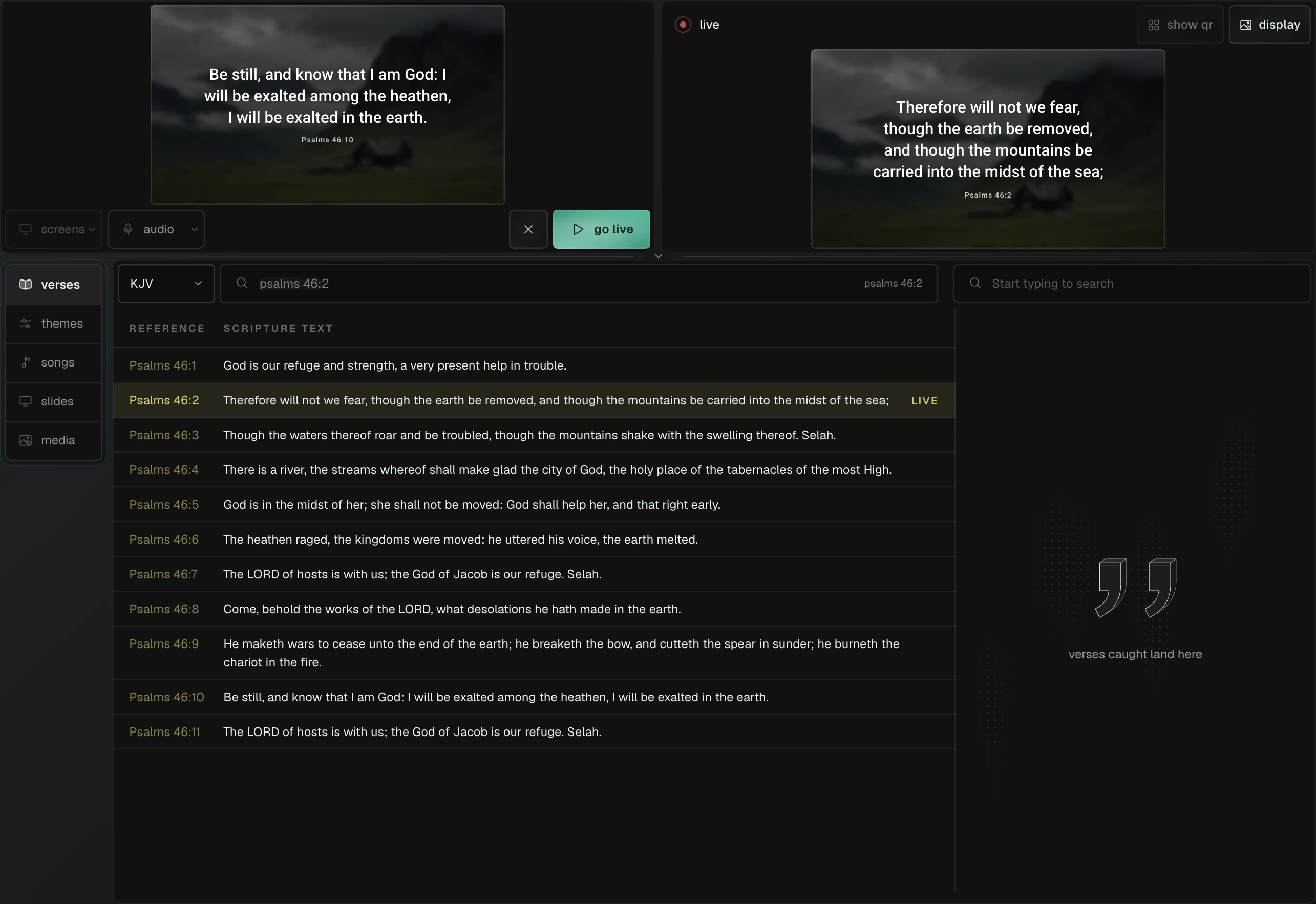
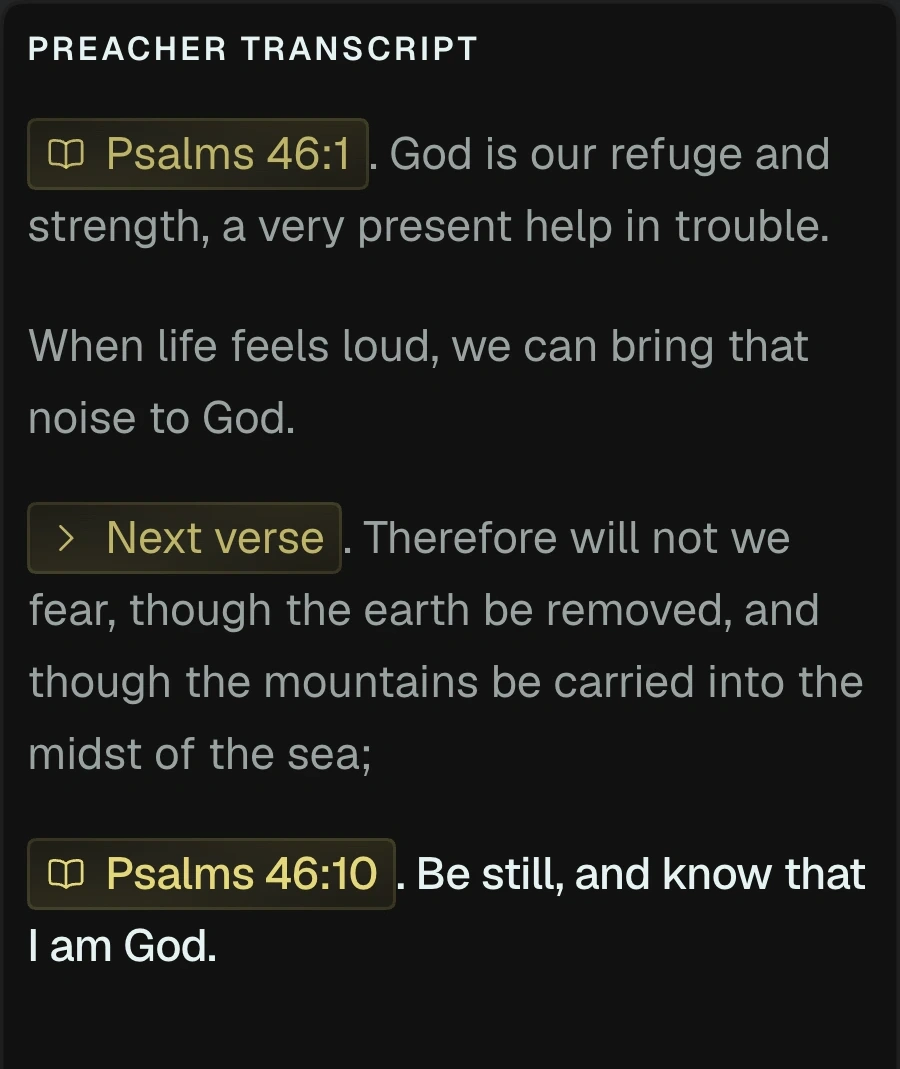
Listening to the message
Every song, every slide.
Ready on cue.
Search a song by what the room is singing. Page through the lyrics verse by verse, and send pictures and slides from the same place.
Features
- Song search by listening
- Lyrics paged to fit the screen
- Slides and decks
- Pictures and videos as backgrounds
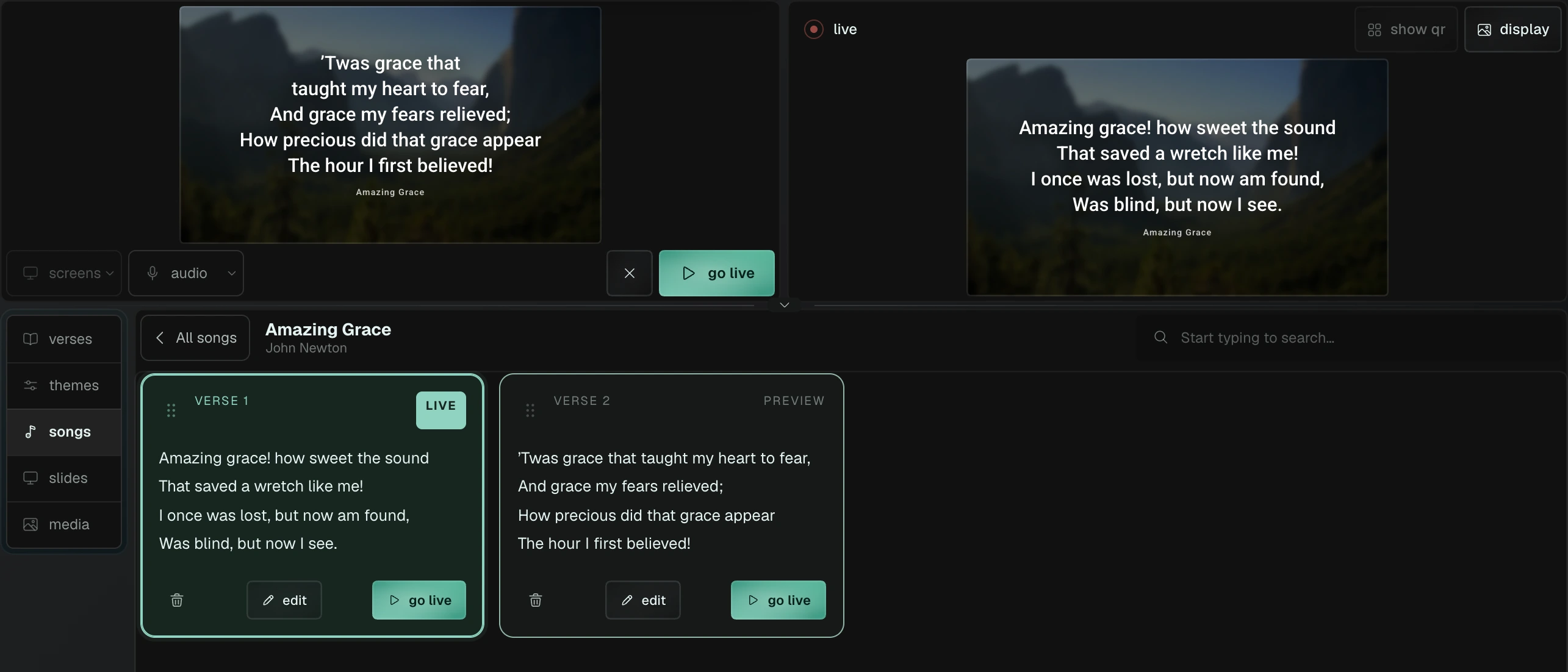
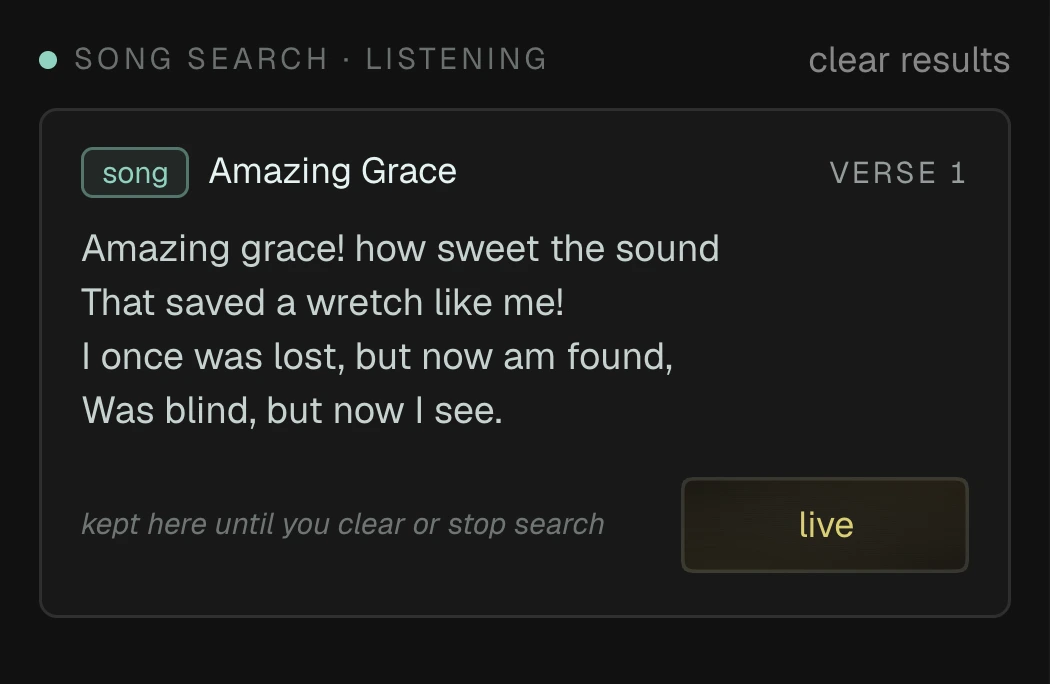
Listen to what the room is singing
Your whole service.
In running order.
Songs, scripture, pictures and slides sit in one run of show, in the order the service runs. Pull pictures from your media library as you build it.
Features
- Run of show
- Scan or paste a printed programme
- Media library
- Portable .tri service files
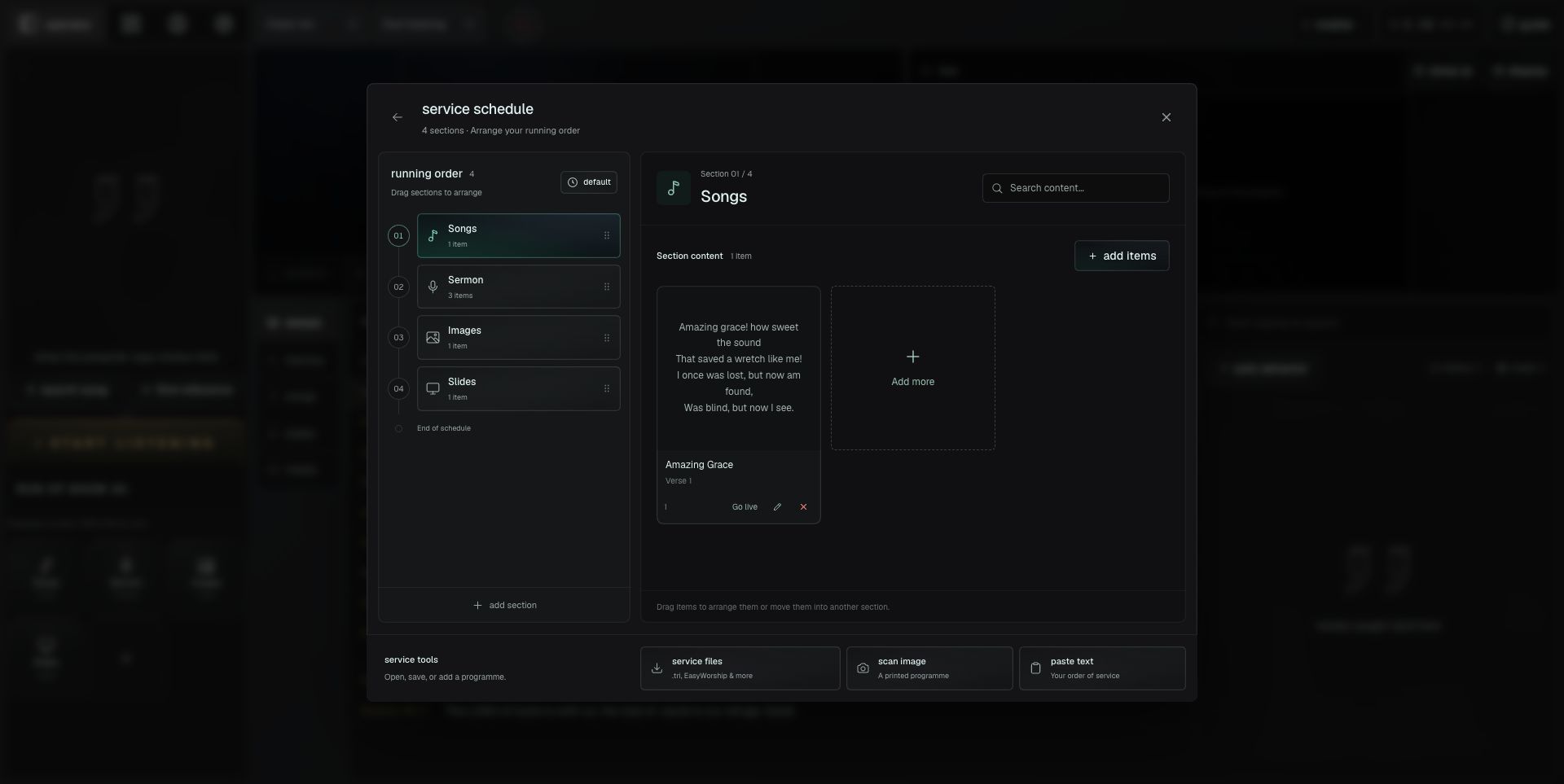
Build the service in running order
One service.
Every screen its own job.
Point each screen at what it should show. The wall gets the verse over your picture, the stage display gives the preacher the clock and what’s next, and the stream gets a clean lower third.
Features
- Projector, stage, stream and timer
- Each one on the display you choose
- Stage display with clock and up next
- Clean lower third for OBS and vMix
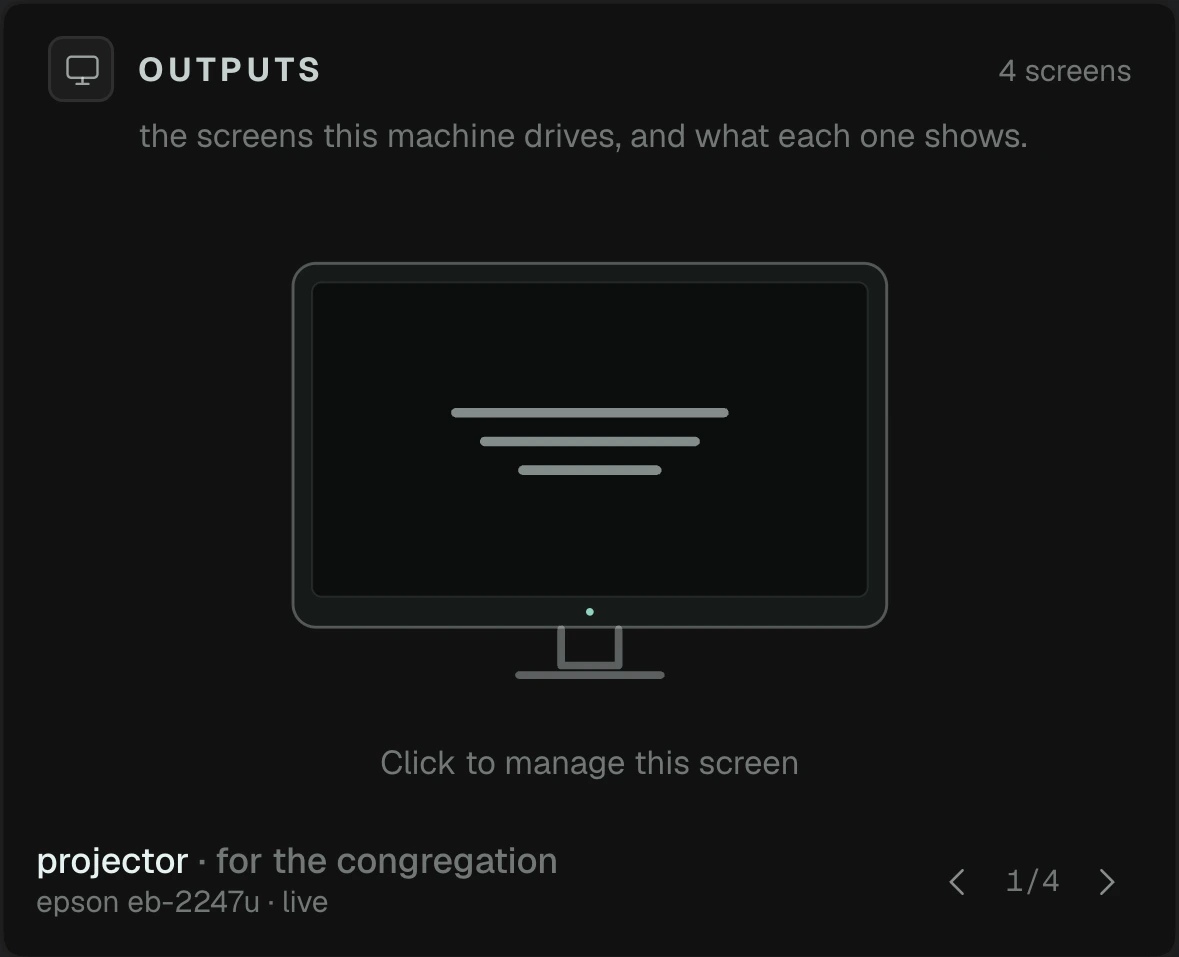
A separate job for every screen
Run it from your phone.
Keep the operator in control.
Pair a phone as a remote to stage, send or clear from anywhere in the room. The desktop approves each device. For people following the message, use the congregation companion below.
Features
- Paired operator remote
- Go live and clear from a phone
- Desktop approval
- Runs in your phone’s browser
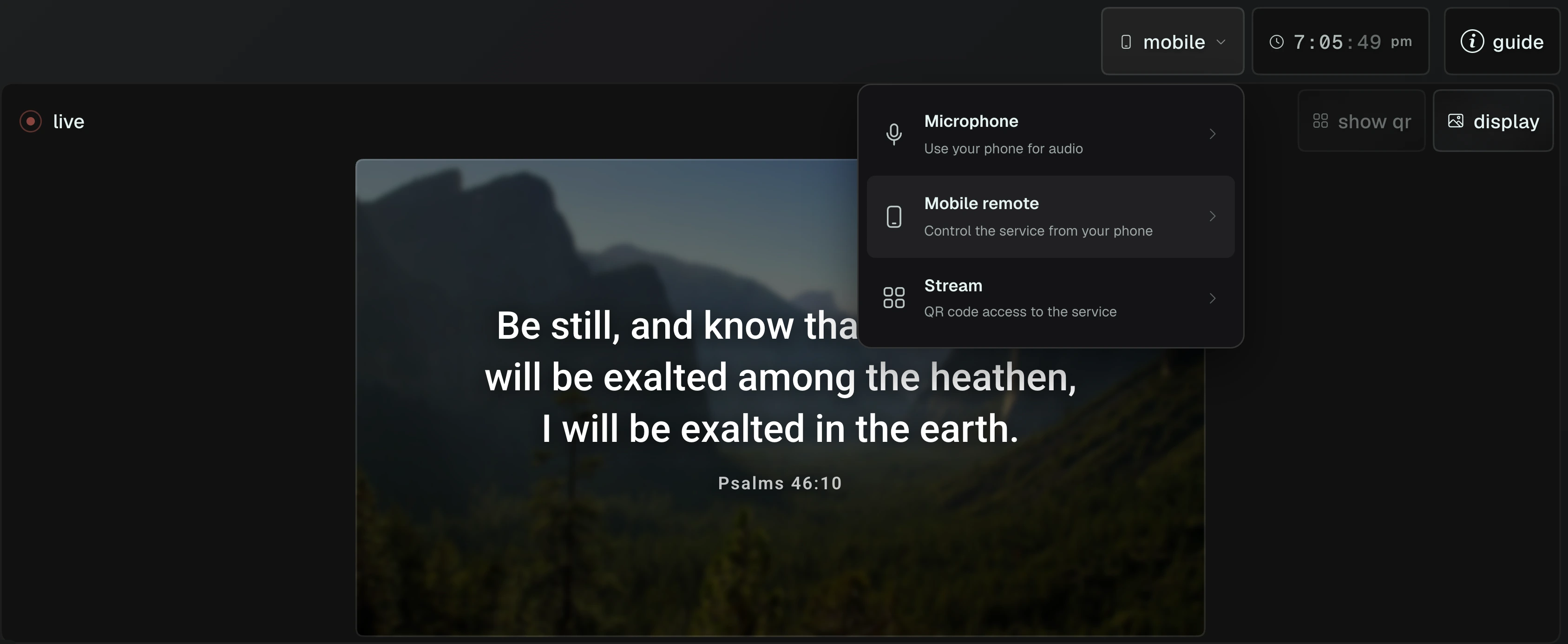
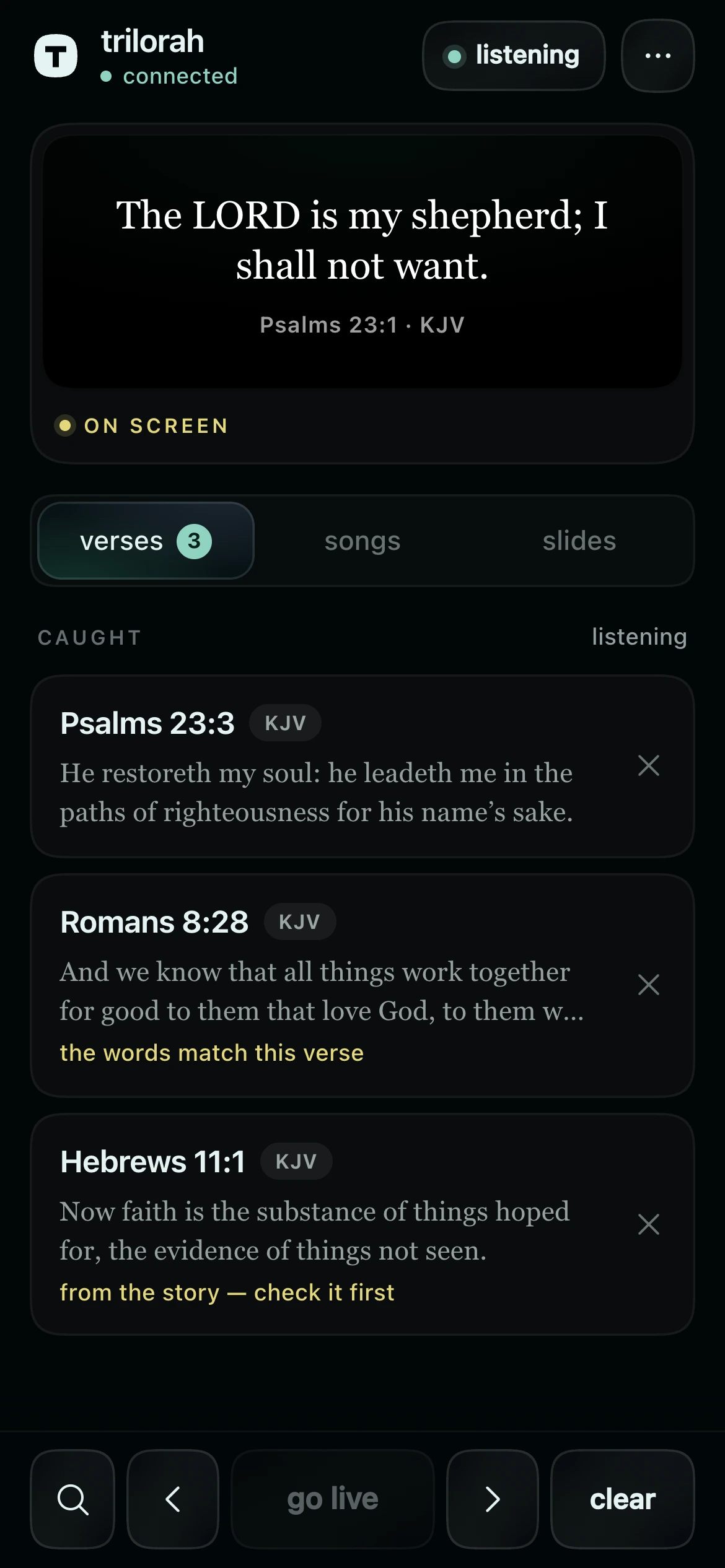
Your paired phone is ready
Follow the message.
Take a little of it home.
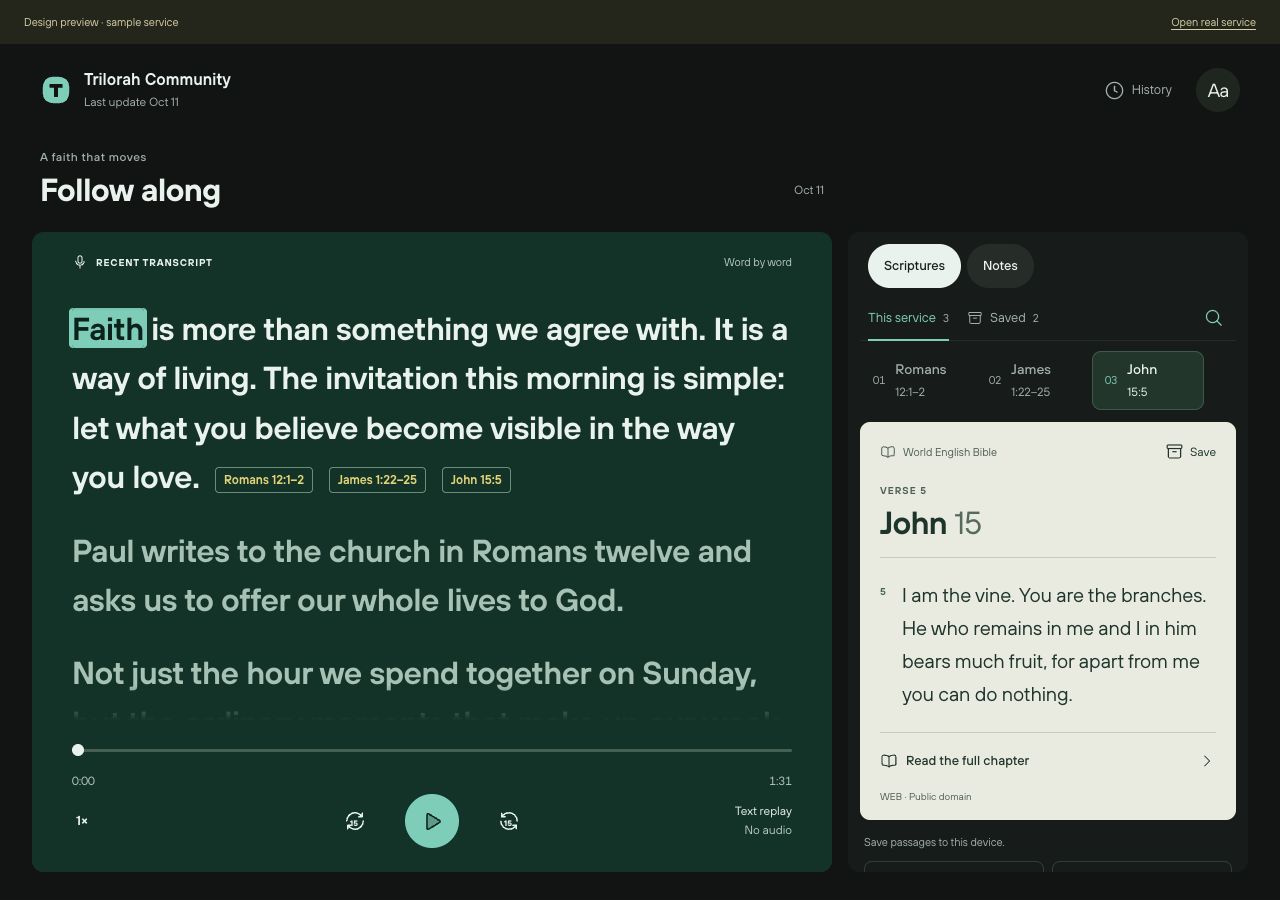
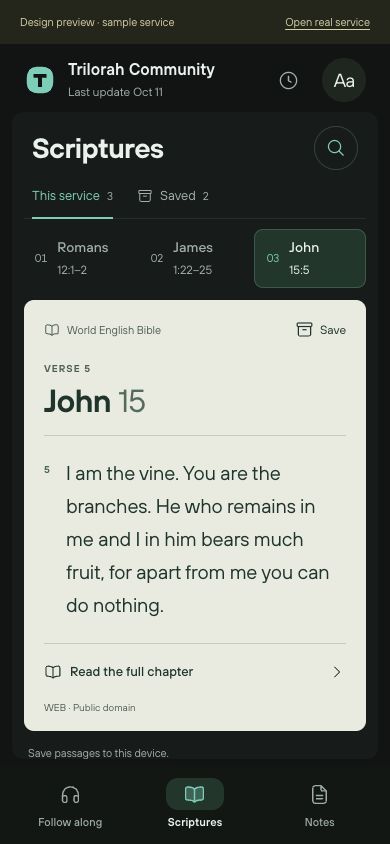
The congregation opens a church link to read along, explore scripture and keep their own notes. Read passages in the World English Bible, revisit published services and download what you want to keep. Personal notes and saved verses stay on that device.
Features
- Word-by-word reading
- Bible passages and full chapters
- Personal notes and saved verses
- Published transcript history and downloads
The Trilorah notebook.
A few things worth exploring
The art of possibility
A little structure.
Endless possibilities.
Enter a number.
See what unfolds.
Four ways to take this form a little further.
Your next service.
A little more present.
Start your service Already part of Trilorah? Sign in